96% of WordPress security flaws come from third-party plugins.

A massive 96% of all WordPress security flaws are found in third-party plugins, not in the core software. That single stat changes how you should think about “safe enough” on a site that generates leads, supports campaigns, and carries your brand.
Core WordPress gets a lot of scrutiny, frequent updates, and broad testing. Plugins are different. They are built by thousands of vendors with different security practices, update schedules, and levels of support. And in many organizations, plugin installs happen fast, because a campaign needs a form tweak, a tracking tag, a pop-up, or a landing page tool. When that happens without technical oversight, you are not just adding functionality. You are adding a new vendor, new code, and a new path to your site.
The business risk is not theoretical. A vulnerable plugin can lead to defacement, spam injection, and malicious redirects that tank conversion rates and wreck paid media performance. It can expose customer data and create compliance headaches. It can also trigger downtime right when a launch, webinar, or seasonal push is live. Even if you recover quickly, the cost shows up in lost leads, wasted ad spend, and damaged credibility with stakeholders who assume the website is the one thing that should not break.
Agencies feel this, too. Plugin stacks grow over time, clients request “one more tool,” and suddenly it is unclear which plugin is essential, which is redundant, and which is quietly becoming a liability because it has not been maintained.
The goal is not “use fewer plugins at all costs.” The goal is to know what you have, why it is there, and how fast you can respond when something breaks or gets flagged.
If you are seeing strange behavior, update conflicts, or security warnings, start with targeted plugin triage. Schedule a consultation about WordPress Plugin Troubleshooting to identify the risky plugins, stabilize your site, and put guardrails in place so marketing can move fast without gambling with security.
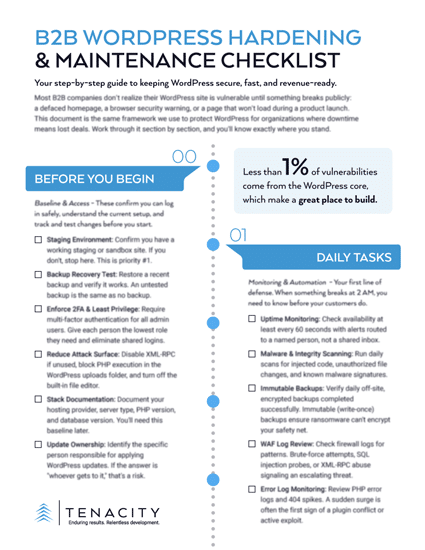
DOWNLOAD THE B2B WORDPRESS SECURITY CHECKLIST