The “Login = Protection” Myth Is Costing WordPress Sites

A lot of leaders feel safe once a site is behind a login. If attackers cannot sign in, they cannot do damage, right? The problem is that WordPress unauthenticated vulnerabilities do not play by that rule.
Right now, 43% of WordPress vulnerabilities can be exploited without any authentication at all. No username. No password. No compromised employee account. Just a public-facing website and a weakness someone can reach from the outside.
That matters because unauthenticated attacks are easier to automate and cheaper to run. If a vulnerability is reachable without a login, attackers can scan thousands of sites, probe for the same plugin or theme flaw, and exploit what sticks. Your site is not being “targeted” in the personal sense; it is being included in a volume game. The business impact is still personal: defaced pages that erode credibility, malware warnings that crater lead flow, spam links that poison SEO, and cleanup cycles that pull your team off revenue work.
For operations and IT teams, this stat is also the best argument against security theater. Strong passwords and MFA are important, but they only protect the doors that require keys. Unauthenticated vulnerabilities are open windows. If you are counting on login controls alone, your risk model is incomplete.
This is where layered protection starts paying for itself. Hardening WordPress, reducing plugin exposure, and continuously monitoring changes lowers the odds that an external weakness becomes a business incident. Pair that with smart edge controls, like a properly configured CDN/WAF, and you reduce the number of hostile requests that ever reach WordPress in the first place.
If you want to know where your site is exposed to WordPress unauthenticated vulnerabilities, start with a clear assessment and a plan. Schedule a consultation about your site’s WordPress Security, and we will identify the highest-risk entry points and prioritize fixes to protect revenue and reputation.
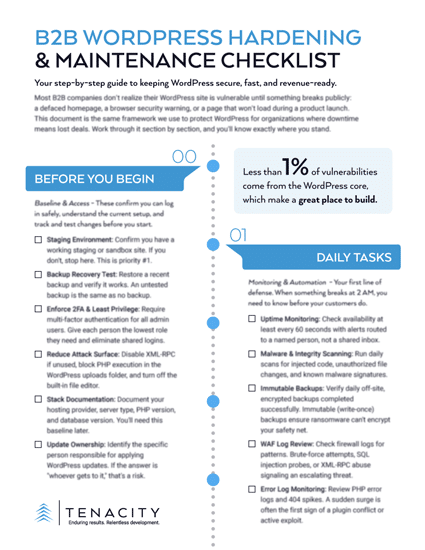
DOWNLOAD THE B2B WORDPRESS SECURITY CHECKLIST